


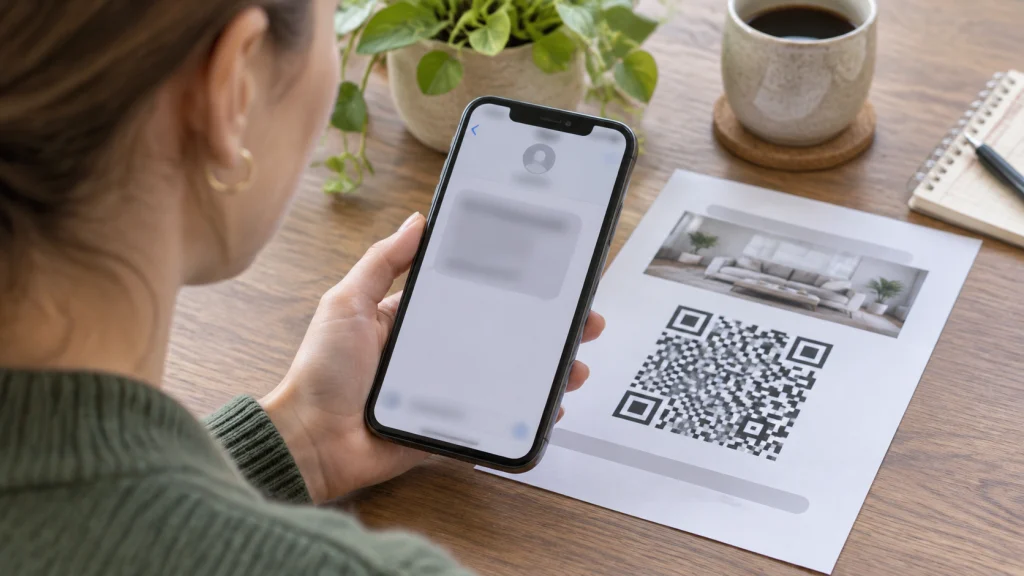
Moonlock for iPhone launched on November 18, bringing MacPaw’s consumer security app to Apple’s mobile platform with tools for checking suspicious messages, screenshots and QR codes. MacPaw’s launch materials describe the iPhone version through scam checks, optional SMS filtering and device-security guidance.
What Moonlock for iPhone can check
MacPaw says its Scam Detect feature lets users paste, scan or share suspicious content with the app. That includes text messages, screenshots and QR codes, which can hide links to fraudulent websites. The app returns an assessment explaining why content may be suspicious, giving users a chance to inspect a link before opening it.
The company also lists Safe SMS, an optional feature that filters suspected scam texts when enabled and keeps a record of what was caught. Other tools include an iPhone Security Score, email breach history and checks covering Wi-Fi safety, passcode protection, iOS updates and signs of jailbreaking. MacPaw’s launch announcement describes the feature set and availability.
How Moonlock for iPhone approaches phishing protection
The app focuses on social-engineering risks that can reach people through ordinary communications. A message may imitate a delivery company, bank or colleague, while a QR code can conceal the destination until a user scans it. Letting people submit a message or image for review can make those threats easier to examine, particularly when the warning signs are not obvious.
MacRumors independently reported the launch and described how users can submit messages, screenshots and QR codes to Scam Detect. Its coverage of Moonlock’s iPhone release also outlines the optional SMS filtering and security-check features.
Kernel.news has covered the wider impact of exposed personal information in its report on the Arara Message data breach. The cases are different, but both show why users need to treat unexpected messages and account-security warnings carefully.
What Moonlock for iPhone does not guarantee
A security assessment is not a guarantee that a message is safe or that every phishing attempt will be detected. MacPaw’s announcement does not provide independent detection-rate benchmarks or false-positive measurements. Users should therefore treat the app as an additional review tool, not as a replacement for checking sender details, verifying requests through trusted channels and keeping iOS updated.
The availability of SMS filtering also depends on users enabling the feature and the permissions supported by iOS. The app’s security score is a checklist-oriented indicator of device settings; it should not be interpreted as a comprehensive measurement of protection against every threat.
Why Moonlock for iPhone matters for everyday security
Phishing increasingly arrives through routine interactions rather than obvious malware downloads. A suspicious delivery notice, an unexpected account alert or a QR code on a printed notice can all lead to a deceptive destination. Tools that explain the warning signs may help users pause before acting, although the quality of those assessments will need to be evaluated through real-world performance.
Moonlock for iPhone is available from November 18, according to MacPaw. The next questions for users are how accurately Scam Detect handles real messages, how the app processes submitted content and how well its recommendations fit the protections already built into iOS. Until independent testing is available, its features are best understood as an extra layer of guidance rather than a guarantee against scams.
Sources: MacPaw, November 18, 2026; MacRumors, November 18, 2026.